Admin
You
The router software that answers to you. Every device in your home gets a security profile, and all of it runs from a browser that explains every setting. Free, open source, and built on OpenWrt.
Keeping the smart TV away from the laptop, sending a guest's traffic through a VPN, letting a server open its own ports: for years each of these meant VLANs, firewall zones and a command line, so most routers were left the way they came. StartWRT is Start9's fork of OpenWrt, the open-source system that has run routers for twenty years, and it turns each of them into a choice in your browser.
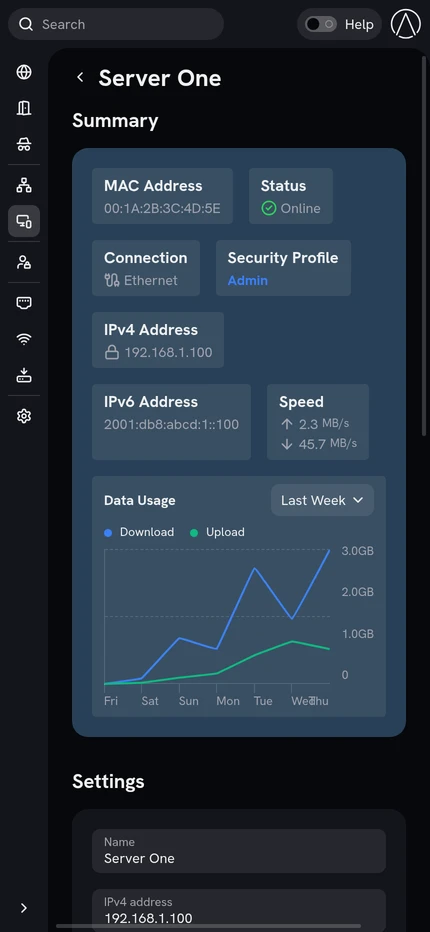
Profiles, Wi-Fi, VPNs and ports are set from a browser. Creating a profile creates the VLAN, the subnet, the DHCP server and the firewall zone underneath it.
Turn on Help and every setting on the screen is described in plain language, with links onward. In English, Spanish, German, French and Polish.
No account, no cloud, and no update installs itself. A new release waits in Settings, signed, with its notes to read first.
The command line and LuCI remain available, and every setting lives in a standard OpenWrt file you can read and change yourself.
Every device on your network belongs to a profile: Admin, Children, Guest, Smart Devices, or any you create. A profile decides what its devices can reach, which DNS they use, whether they go out directly or through a VPN, and when. Profiles are separated at the network layer, so the thermostat cannot see the laptop.
Everyone joins the same network name. The password a device connects with decides its profile, so your laptop and a guest's phone share the airwaves and nothing else. The Ethernet port a device plugs into, or the VPN it arrives through, decides it the same way.
Turn the Wi-Fi off on a weekly schedule, for quiet nights or an empty house, and take any one profile offline on a schedule of its own: the children's devices lose the internet at bedtime while yours keep it. Wired devices stay connected through a Wi-Fi blackout.
Reach home from anywhere. Each profile can have a WireGuard server of its own, and a device that connects to it gets that profile, as if it were home: everything for your own phone, or a shared-services profile for a friend who should see the family server and nothing else. Scan a QR code and you are connected.
Send any profile through a VPN provider, with no app on any device. Or chain two: the first knows who you are but not where you are going, and the second knows where you are going but not who you are. If a tunnel goes down, its traffic stops rather than leaking out over your home connection.
Open a port to any device, with control over protocol, IP version, source and external port. Or let a device you trust open its own: the permission is off by default, granted per device, and every port it opens expires unless the device renews it. Several services can share one port by hostname.
Beside a StartOS server, StartWRT does the networking for you. Grant the server two permissions and it opens the ports its public services need, and publishes the names of its private domains so every device at home finds them.
Most home connections change address without warning. Dynamic DNS keeps a name pointed at yours through Cloudflare, DuckDNS, DynDNS, FreeDNS or No-IP, so your inbound VPNs and published ports keep working when it does.
Turn on Help and every setting on the screen is explained beside it, in plain language, with links onward. The interface is available in English, Spanish, German, French and Polish.
StartWRT never updates on its own. A new release appears in Settings with its notes, and you choose when to install it. Every release is signed, and the router checks the signature before it installs anything.
Add StartWRT to your phone's Home Screen and it opens like an app: full screen, with its own icon.
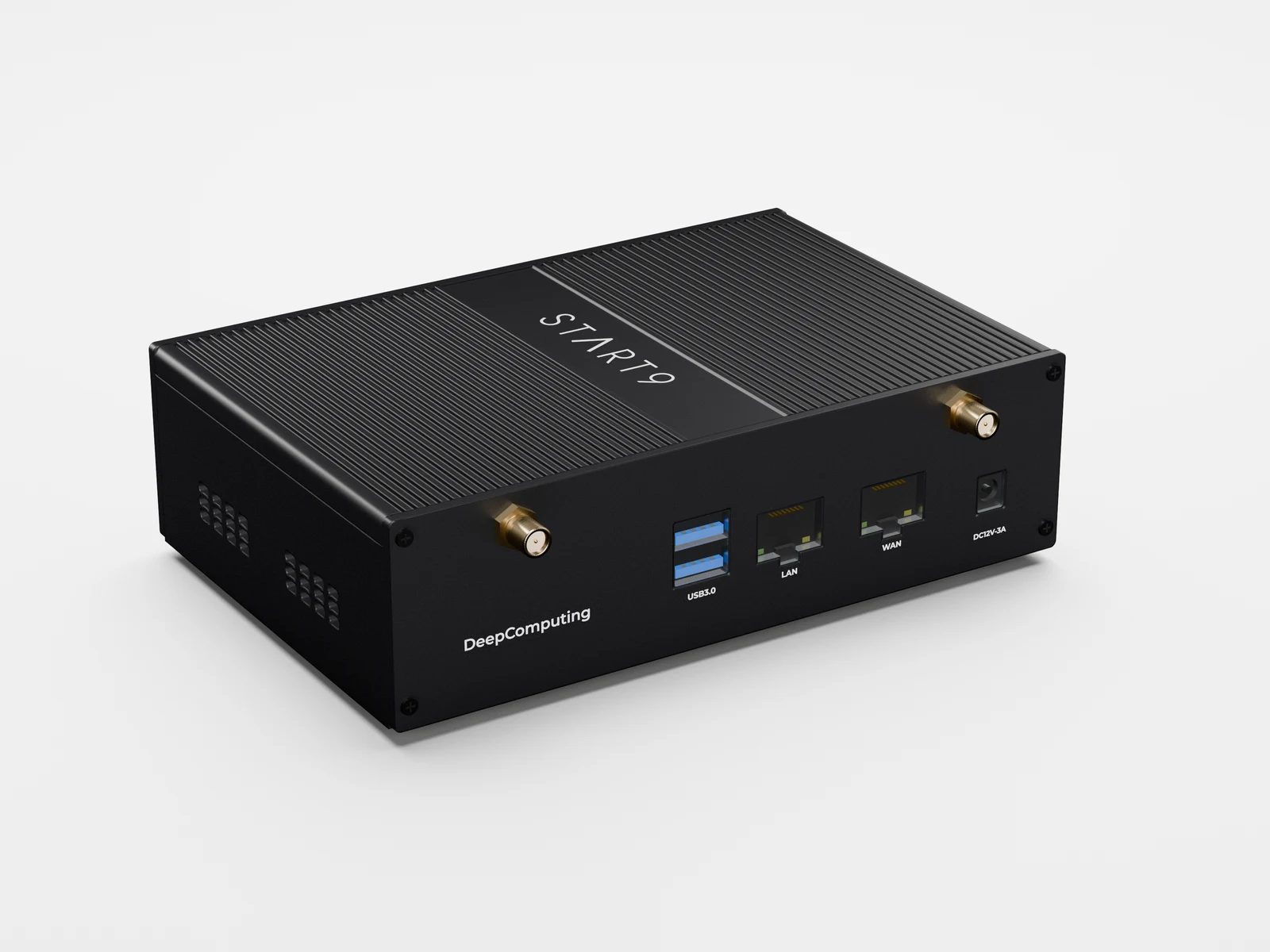
StartWRT is a fork of OpenWrt, so the underlying system is standard OpenWrt: UCI configuration, fw4 firewall zones, DHCP and WireGuard. On top of it sit a Rust control daemon, an RPC service and CLI built on the same backend as StartOS, and an Angular interface compiled into the binary. The flashable image is assembled from a pinned upstream OpenWrt release plus the Start9 patch and overlay set, so exactly what diverges from upstream is readable in the tree. Issues and pull requests are accepted.